TL;DRDownload Google Maps offline for the city plus a 5km radius around your hotel before you arrive. It works without data, navigates by GPS alone, and saves you when your phone has no signal at the moment you need directions most.
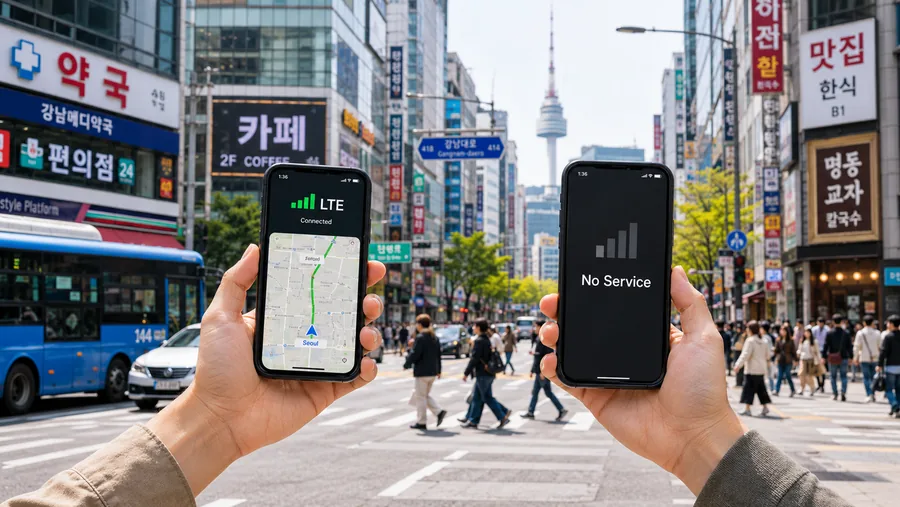
The moment you need maps most is the moment your phone usually has the least signal: stepping off an international flight, exiting a subway in an underground station, walking into a thick old-city neighborhood where buildings block the cell network. Offline Maps handle that case completely, they work with no data and only the phone's GPS chip, which is independent of any cell signal and runs even in airplane mode.
If you take one tech-prep step before a trip, this is the highest-leverage one.
How to download them
- Open Google Maps with an active internet connection.
- Search for the destination city.
- Tap the city's place card (the bar at the bottom).
- Tap the three-dot menu or scroll to "Download offline map."
- Adjust the rectangle to cover the city plus a generous buffer around your hotel and any planned day trips.
- Tap "Download." Typical city download is 100–300 MB.
Offline maps expire after 12 months by default. Auto-update on WiFi can be enabled in Maps settings.
What works offline, what doesn't
- Works: map display, driving directions, walking directions, transit station locations, your blue-dot GPS position, business listings (cached), reviews (cached at download time), photos (cached).
- Doesn't work: live transit times, traffic, Street View, business hours updates, new search results outside the cached area, ride-hailing integration, voice search for new addresses.
For the things that don't work offline, you have your eSIM cellular fallback. The combination (offline map for navigation, cellular for live data) covers 99% of city navigation needs.
The 5km-around-hotel habit
City downloads cover the central area but often clip at the edges. If your hotel is in an outer neighborhood, or you're staying at a place 30 minutes by train from the center, the city download might not include your last-mile area.
Fix: do a second download centered on your hotel with a 5km radius. Total extra download size is small (50–150 MB) and it eliminates the most common offline-map blind spot.
Companion habits
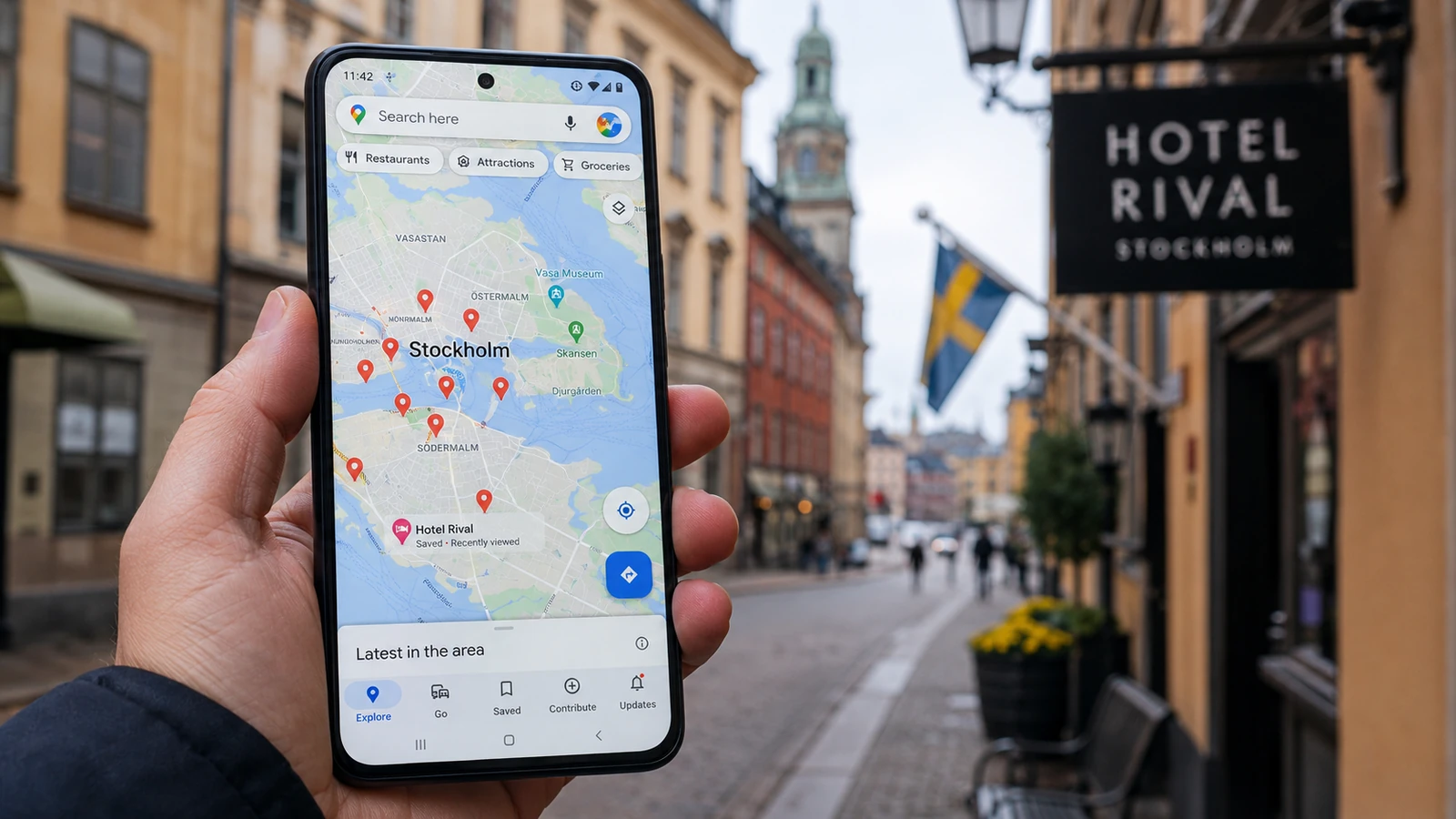
- Save your hotel, key attractions, and a few restaurants as "labeled places" or starred locations before you leave. They sync across devices and appear on the offline map.
- Take screenshots of any critical directions (hotel entrance, embassy address, hospital location) as a fallback if Maps itself fails to launch.
- Charge your phone before excursions · GPS use can drain a battery 30% faster.
Bottom line
Five minutes of preparation, zero ongoing cost, removes one of the most stressful and avoidable parts of international travel. Download the city, download 5km around your hotel, save the addresses you'll need most. Then forget you did it until the moment your data drops out and you suddenly need to find the metro.