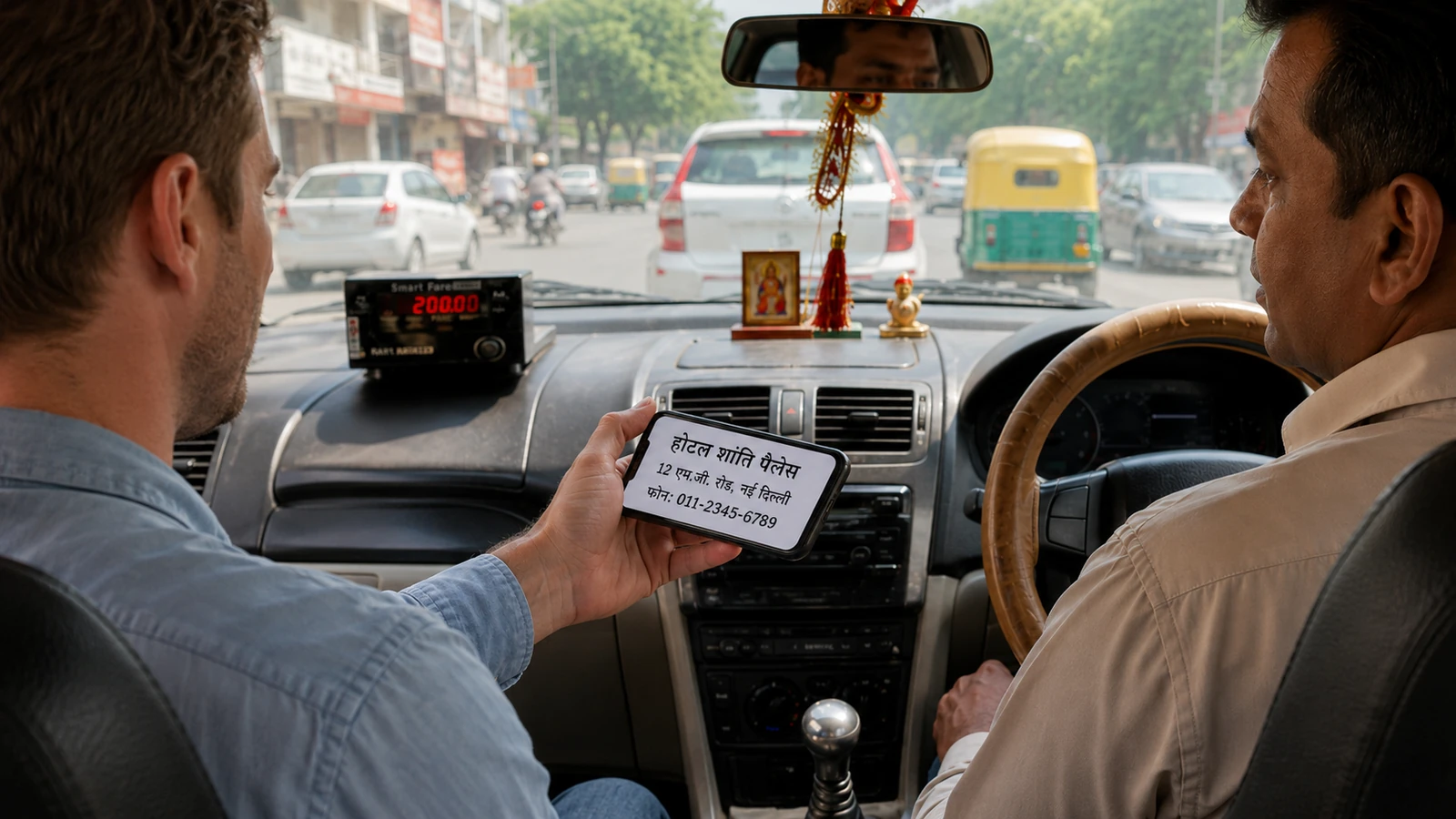
TL;DRSave a screenshot of your hotel's address in the local language and script (not transliteration) so any taxi driver can read it. This single image solves the "my driver speaks no English and my Latin-character address means nothing to him" problem.
Anyone who has tried to give a taxi driver in Tokyo a Latin-script address from their booking confirmation knows the moment. The driver squints, shakes his head, offers his phone, and you both spend ten minutes trying to make Google Translate work without WiFi. Meanwhile the meter is running and your dinner reservation is slipping away.
The fix is the simplest possible piece of pre-trip work: have a screenshot of your hotel's full address (in the local script, not transliterated Latin) on your phone before you leave home.
What the screenshot should include
- Hotel name in local script, most major hotels have their proper local-language name on their website's home page.
- Full street address in local script, including district, ward, postal code. Don't trust auto-translated Latin renderings; native speakers find them confusing.
- Phone number, for the driver to call if they can't find the place.
- A clear landmark within 100m, train station, major intersection, well-known building. Names of micro-landmarks (the corner store, a small park) work better than tourist landmarks for taxis.
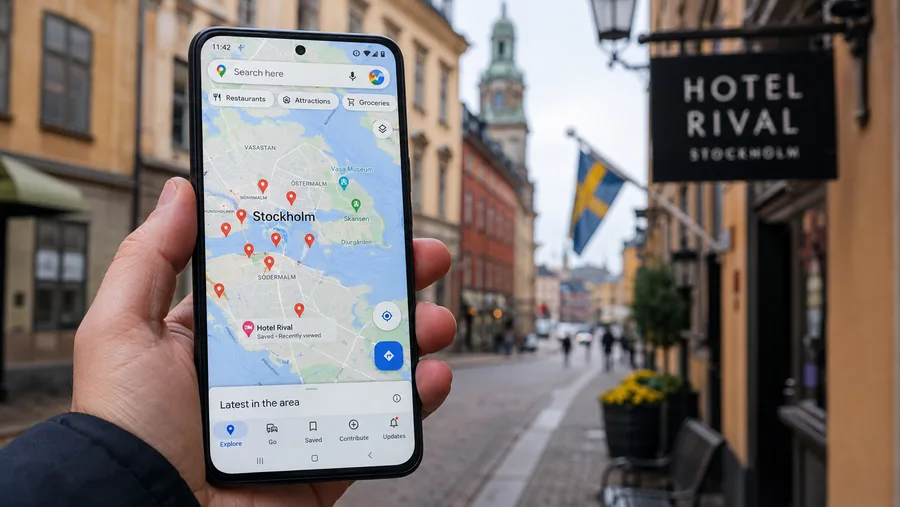
- A pin on a map screenshot · Google Maps in the destination language, pinned at the exact location, screenshotted with the hotel name visible.
Save it as a screenshot, not just bookmarked, because screenshots work offline when your data doesn't.
Where to get the local-script address
- Booking.com, switch site language to the destination's language before checking your reservation. The hotel's address rendering switches with it.
- Hotel's own local-language website, search the hotel's English name + ".jp" / ".kr" / ".cn" etc. for their local-domain site.
- Google Maps in the destination language, change Google's language to the destination's, search for the hotel, screenshot the place card.
Companion habits
Two habits that pair well with the screenshot:
- Take an identical screenshot when you arrive at the hotel, of the hotel business card the front desk gives you. Keep one in your wallet, one on your phone.
- Print a paper version. Phones run out of battery; paper doesn't. A folded card with hotel address + nearest train station name in local script is the unsexiest most useful thing in your daypack.
Bottom line
Two minutes of work before you leave home saves countless awkward taxi rides. The screenshot isn't optional in countries with non-Latin scripts; it's mandatory if you ever plan to take a cab that wasn't ordered through an app. And even with apps, drivers periodically need to confirm the destination by reading something, make it easy for them.