TL;DRHotel WiFi is shared, often un-segmented between rooms, and attractive to attackers running classic on-network attacks. For anything sensitive (banking, email logins, work systems) use your eSIM's cellular data or a VPN. Browsing CNN over hotel WiFi is fine.
Hotel WiFi got a security upgrade with HTTPS-by-default rolling out across the web in the late 2010s. The classic attack of "evil maid sniffs your unencrypted login on a hotel network" is much less viable now than it was in 2010, because almost every site you'd care about now encrypts the whole session. So the panic-vendor pitch ("ALWAYS USE VPN ON HOTEL WIFI") oversells the risk.
But hotel WiFi isn't innocent either. Captive portals can be MITM'd. Network segmentation between rooms is inconsistent. Some hotels still use single-class flat networks where any guest can scan any other guest's devices. And state-level attackers have demonstrated, in published research, that they routinely target high-end hotel networks. The right answer is contextual, not blanket.
What's fine over hotel WiFi
- Browsing news, Wikipedia, YouTube, Netflix, all HTTPS by default, all low value to an attacker.
- Messaging on Signal, WhatsApp, iMessage, end-to-end encrypted, the network sees nothing.
- Apps you don't care about being intercepted (recipe apps, weather, maps).
What's not fine over hotel WiFi
- Banking apps and websites, even though HTTPS protects the session, captive portals or rogue access points can intercept the login flow. Use cellular.
- Work email and VPNs into work networks, your employer's IT team probably has policies; most require a corporate VPN before connecting to internal systems.
- Anything where your account password is being entered fresh, if you've been auto-logged-in for months and you suddenly need to type a password on a sketchy network, switch to cellular for that.
- File downloads from untrusted sources, a network-level attacker can sometimes inject content into HTTP downloads.
How to make this trivial
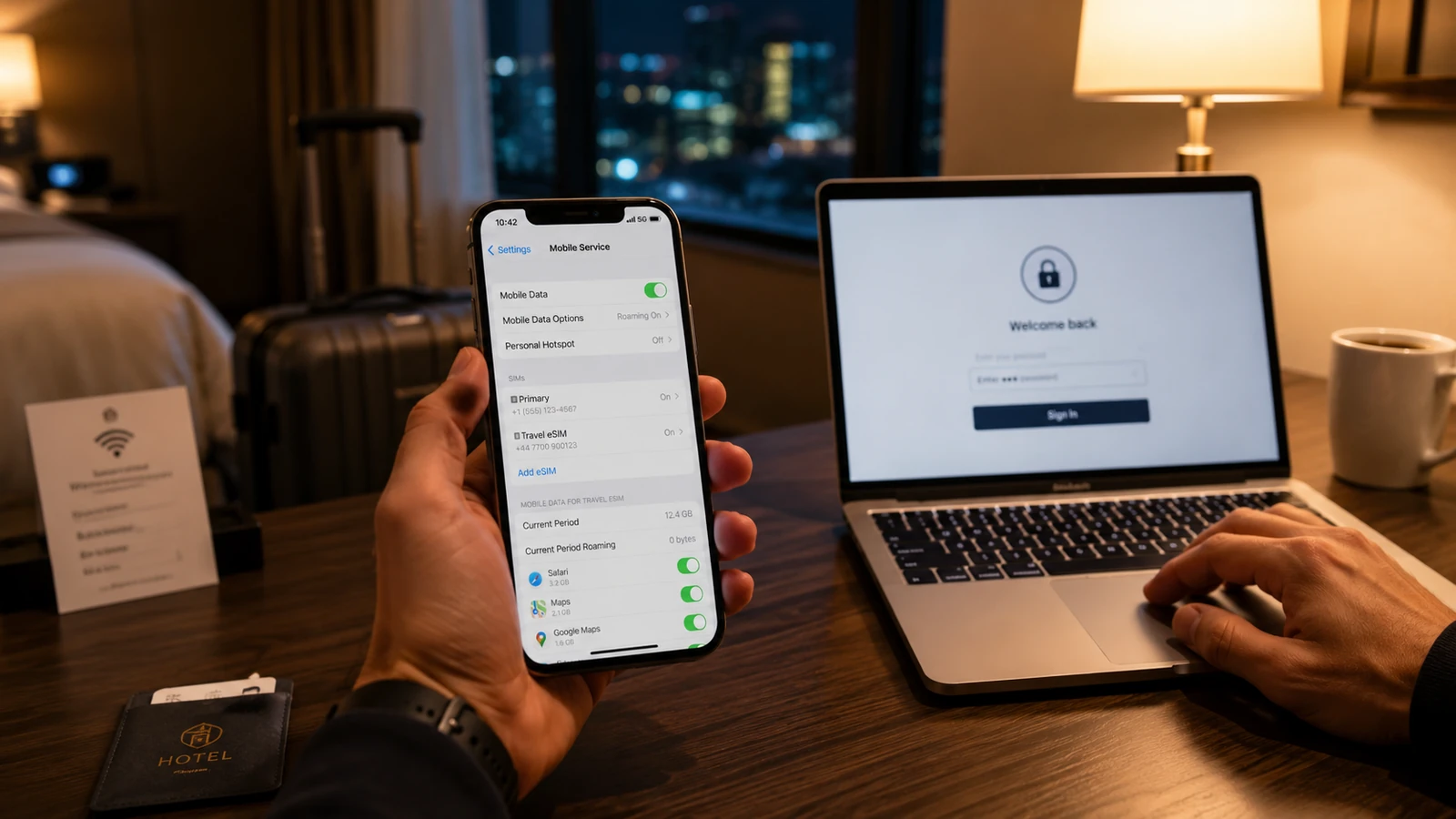
Get an eSIM before the trip (see the eSIM tip on this site). Drop it onto your phone's secondary slot. When you need to do something sensitive, swap the data line from your hotel WiFi to your eSIM cellular with two taps. Done.
If you don't have an eSIM, a reputable VPN (Mullvad, ProtonVPN, IVPN) on both phone and laptop solves the same problem at $5–10/month. Skip "free" VPNs entirely, they monetize your traffic, which is a worse problem than the one you started with.
Bottom line
The threat is real but narrow. Use cellular or a VPN for banking, work, and fresh account logins. Use the hotel WiFi for Netflix and Maps. Don't panic; do segment by sensitivity.